 Node.js
 TypeScript
 React
React Docker
A command-line tool for self-hosting and developing GAIA -- interactive setup wizards, service orchestration, health dashboards, and live log streaming all in one terminal UI.
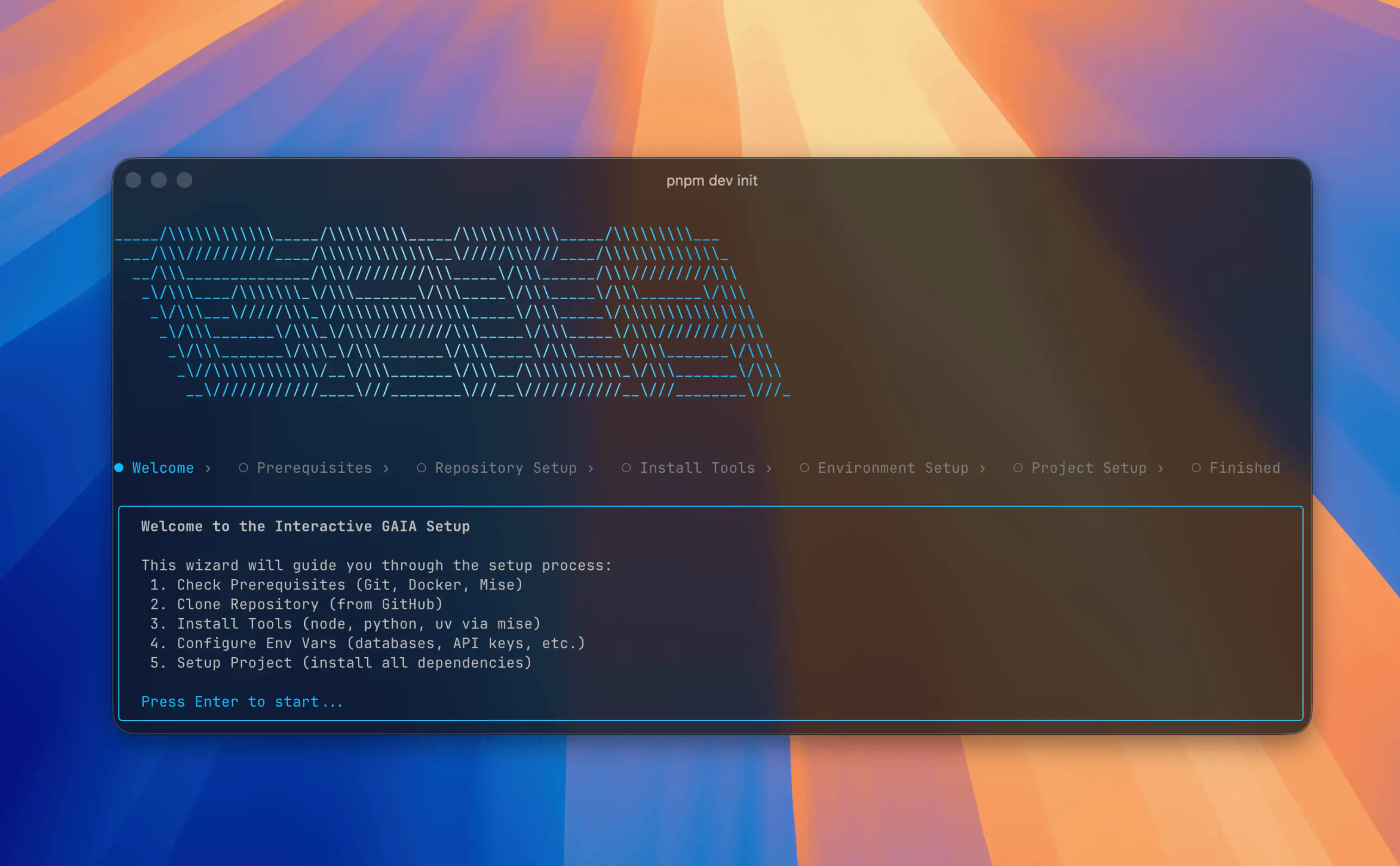
GAIA CLI (@heygaia/cli) is a Node.js command-line tool that makes self-hosting and contributing to GAIA as simple as possible. It wraps Docker Compose orchestration, environment file setup, prerequisite checking, and developer toolchain bootstrapping into a single interactive terminal experience built with Ink — React rendered in the terminal.
The CLI is the primary onboarding surface for self-hosters and contributors. Running gaia init walks through cloning the repo, checking prerequisites (Git, Docker, ports), configuring .env files, pulling pre-built images from GHCR, and starting all services — with live progress rendered as a reactive terminal UI.
Key commands include gaia start for Docker-based self-hosting, gaia dev for local contributor mode via Nx TUI, gaia status for a real-time health dashboard across all services, gaia logs for streaming Docker Compose output, and gaia stop with optional port force-release.
Each command follows a three-layer architecture: a Commander handler renders an Ink app, a flow module drives the imperative logic, and the React UI re-renders reactively as state changes — keeping the terminal experience smooth and informative throughout long-running operations.